
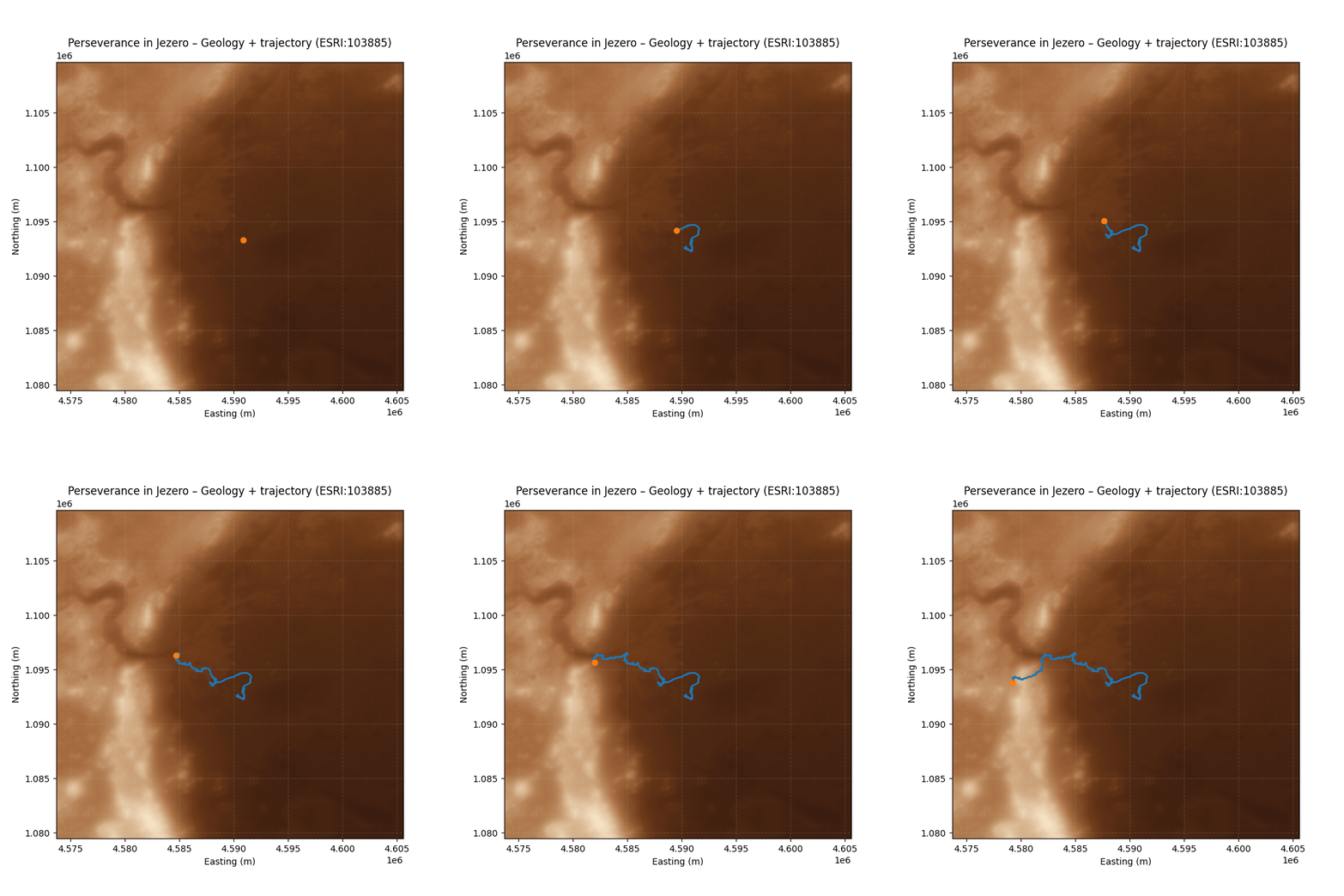
For the “Process” challenge, I decided to document the entire workflow behind the map and animation I created for Day 18 – Out of This World, where I visualized the movements of the Perseverance rover on a HiRISE/CTX mosaic of the Jezero crater on Mars.
In this post, I share the technical process from start to finish: from downloading the original dataset to exporting the animation in GIF and MP4 formats, all developed in Python within a Jupyter Notebook.
1️⃣ Input data: from NASA to Python notebook
Main source of location data
- I use NASA’s official Mars 2020 Rover PLACES bundle, which contains the rover’s interpolated location throughout the mission.
- NASA publishes the rover’s positions in the “Mars 2020 Rover PLACES Bundle.” There you will find a CSV file called best_interp.csv with the locations of Perseverance from sol 0 to ~1511 (May 2025).
- The best_interp.csv file includes:
- sol: Martian day of the mission
- rover coordinates in planetocentric latitude/longitude
- time and quality information for the interpolation
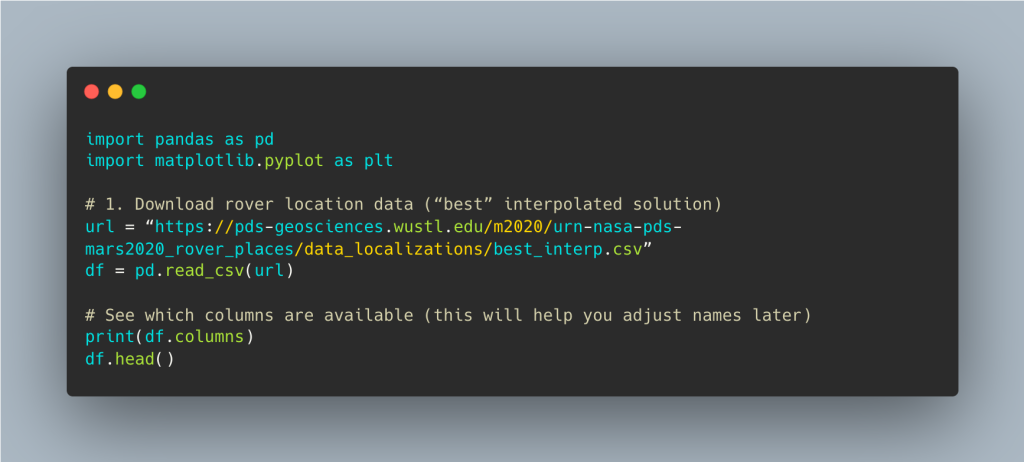
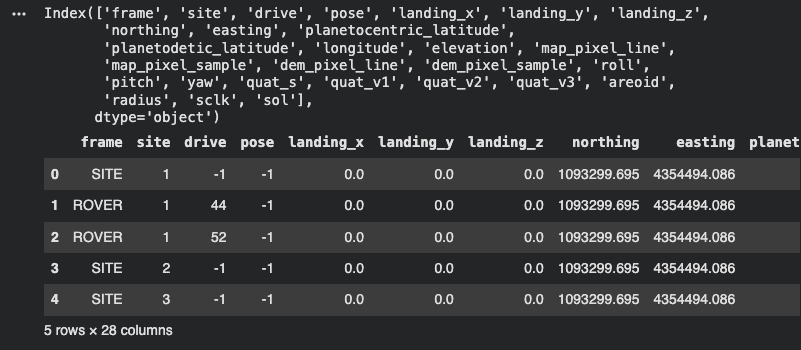
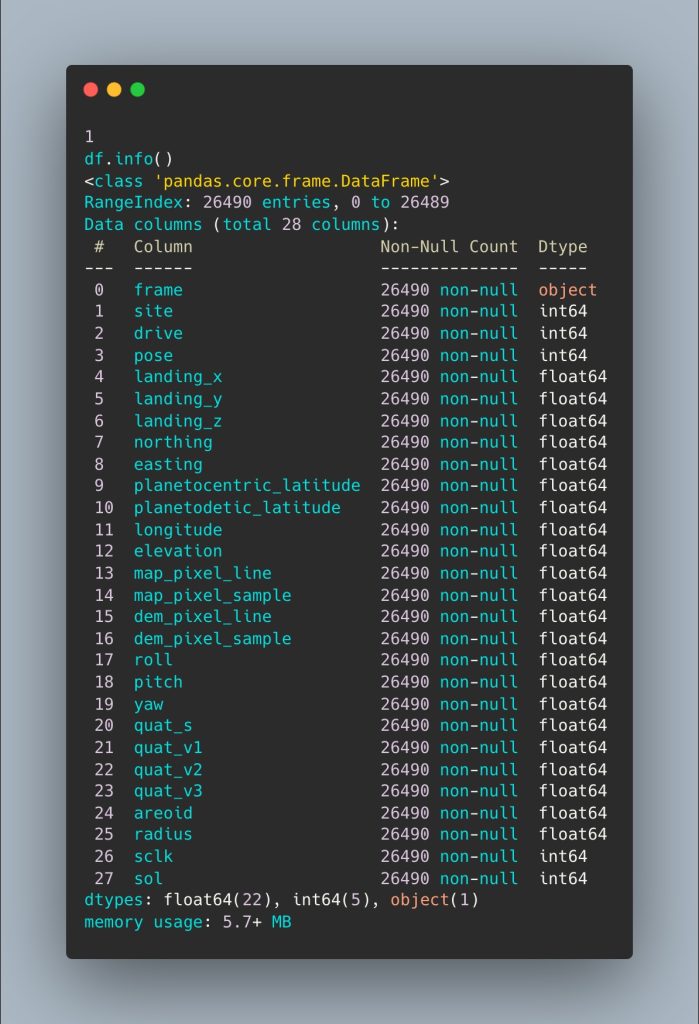
We obtain all the information from the new dataset:
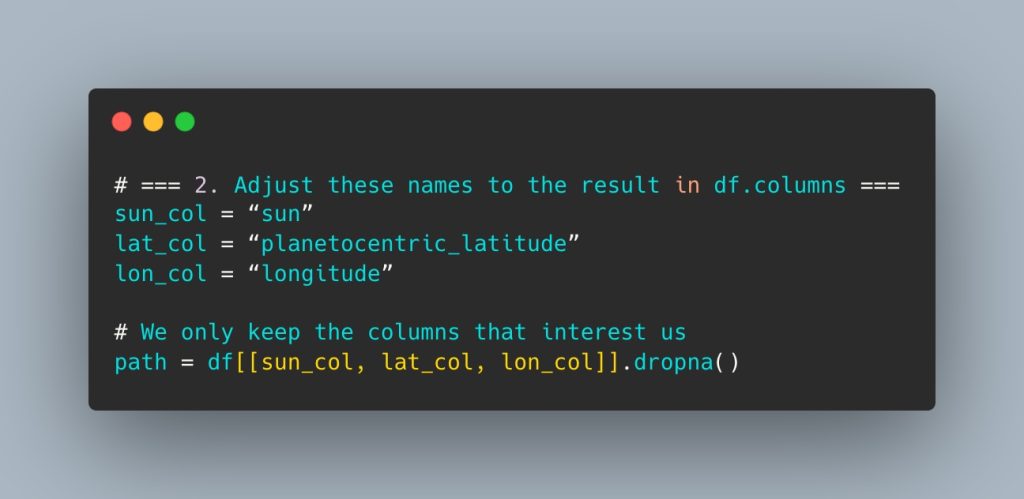
From there, I select the key columns for plotting the route and remove any null data:
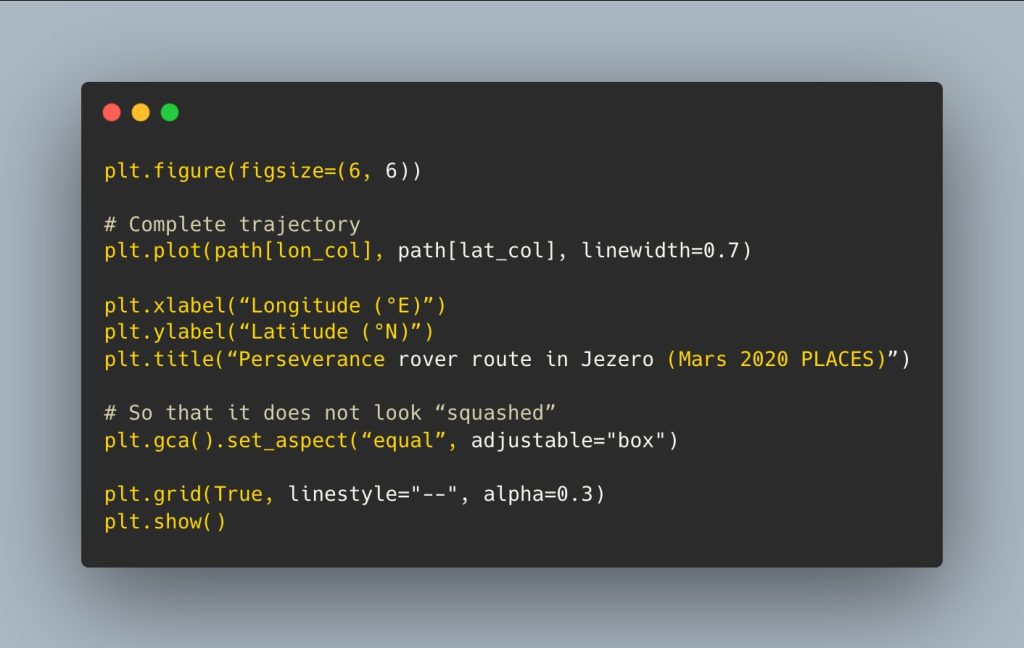
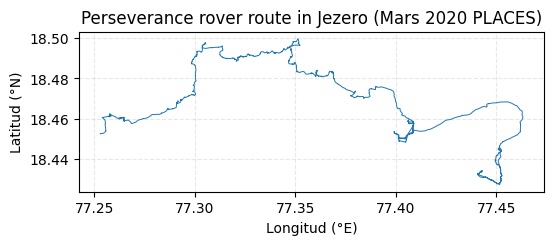
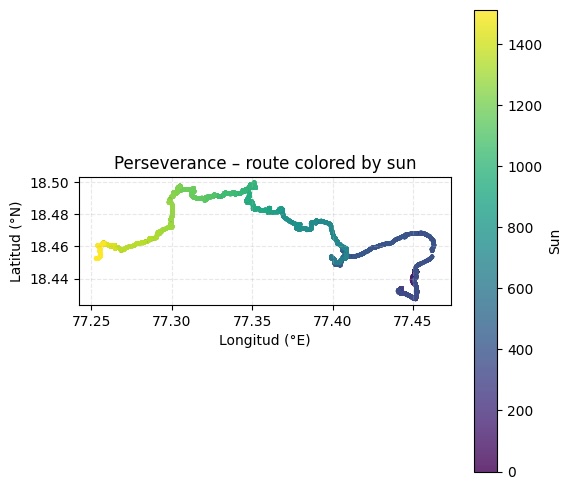
We obtain Perseverance’s first route plotted from sol 0 to ~1511 (May 2025).
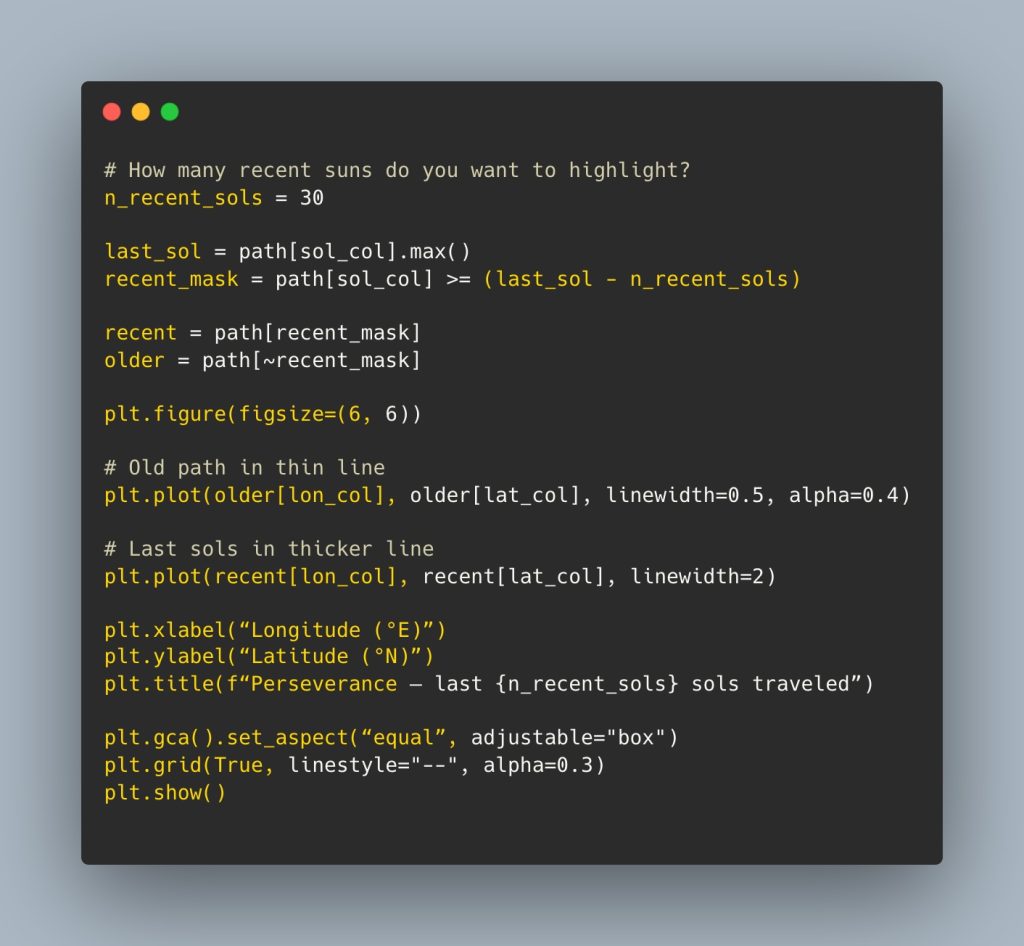
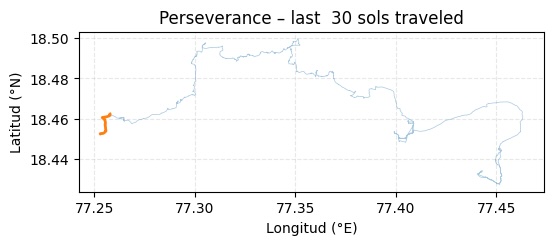
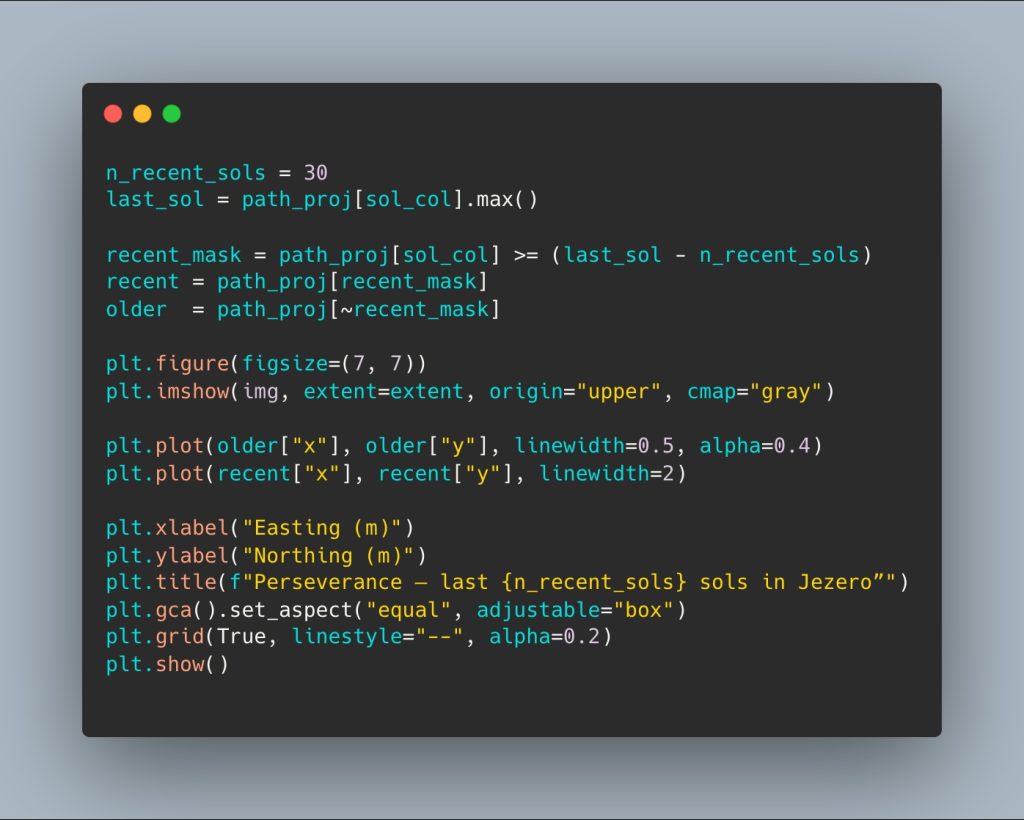
Now we can decide how many recent suns we want to highlight, that is, we can visually obtain the path of the last 30 suns:
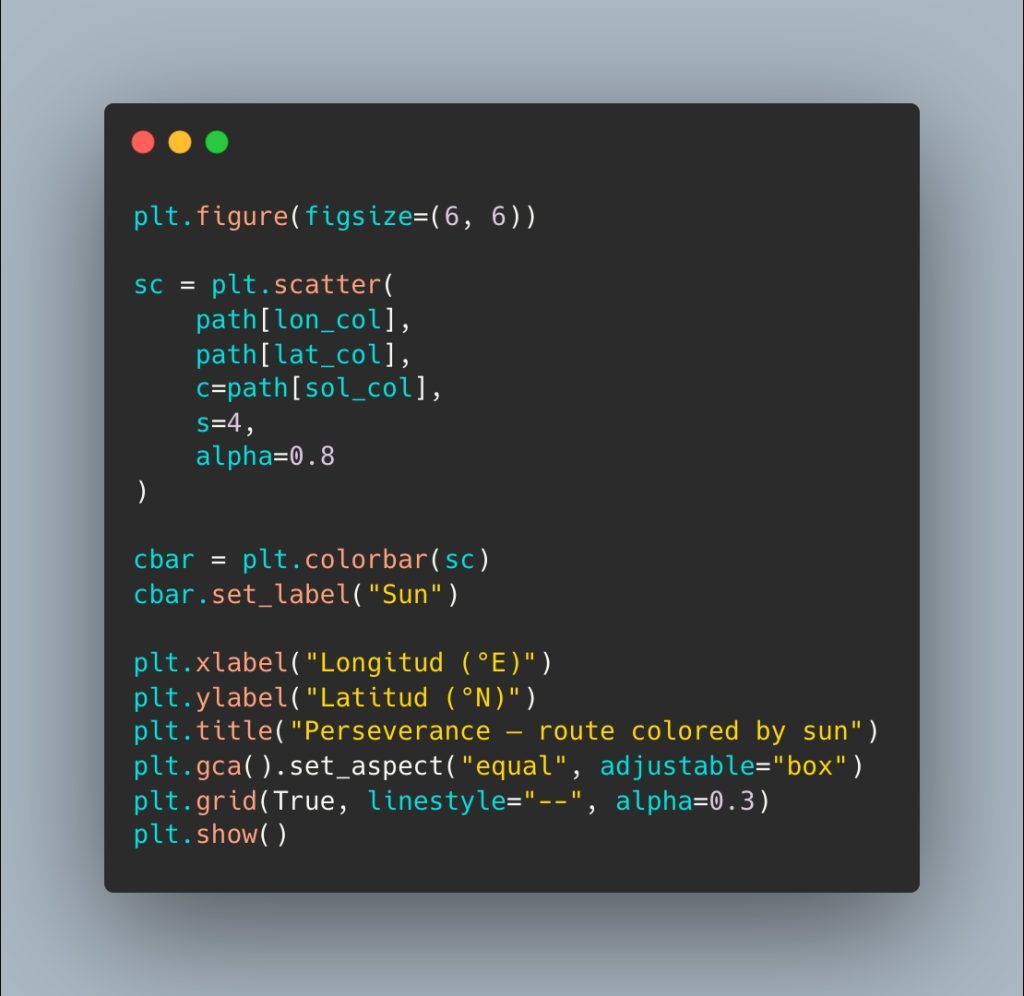
Using a scatter plot and color coding, we can see the progress of their journeys:
2️⃣ HiRISE/CTX mosaic of Jezero Crater
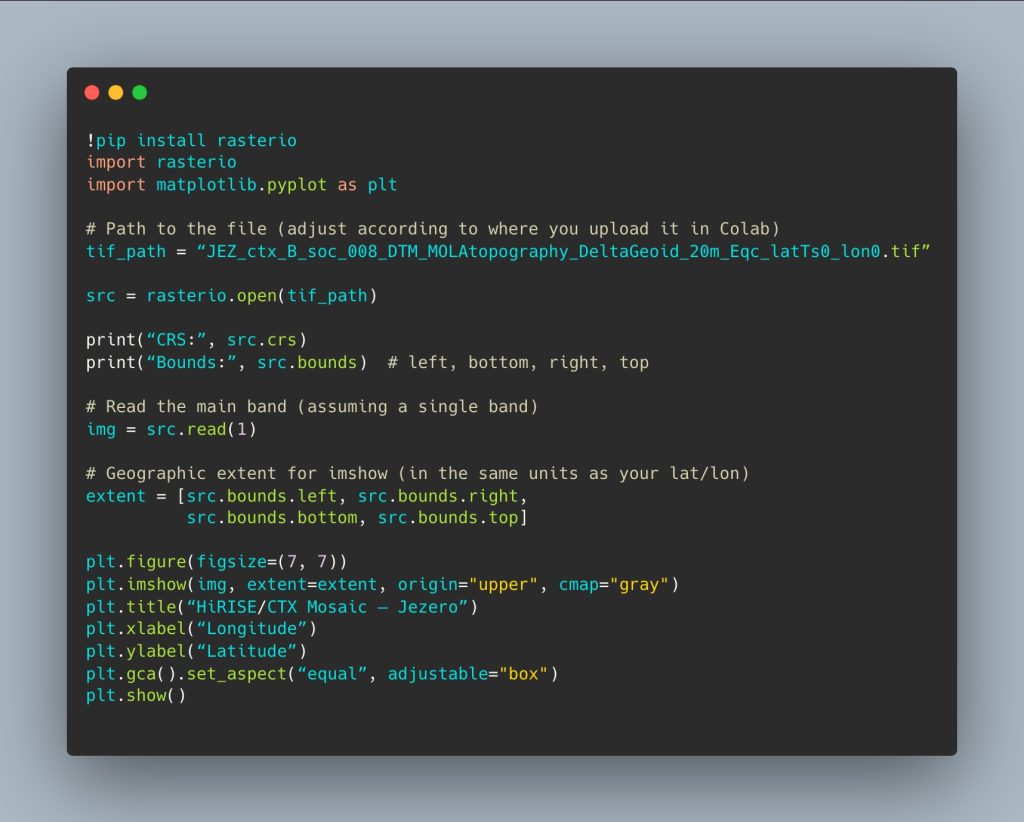
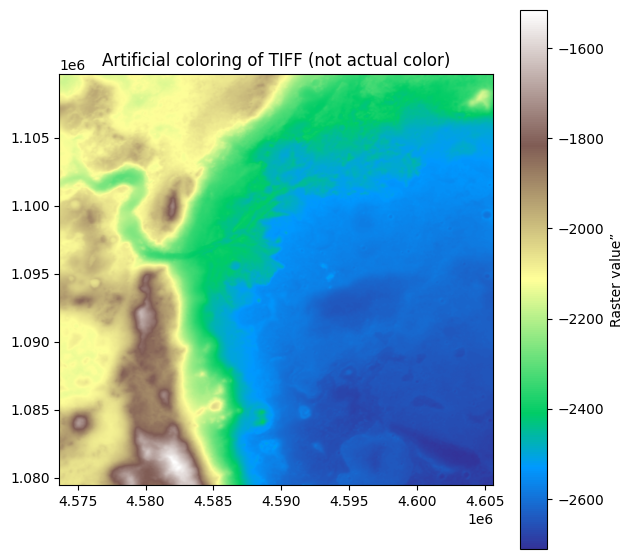
The second input is the topographic mosaic, a DTM (digital terrain model) image file in TIF format of the Perseverance rover’s travel area:
- GeoTIFF file: JEZ_ctx_B_soc_008_DTM_MOLAtopography_DeltaGeoid_20m_Eqc_latTs0_lon0.tif
- It is a DTM (digital terrain model) derived from CTX images, with a resolution of 20 m, Martian equirectangular projection (CRS ESRI:103885).
- Data source: https://pds-geosciences.wustl.edu/missions/mars2020/places.htm
- We use the Rasterio library for DTM processing.
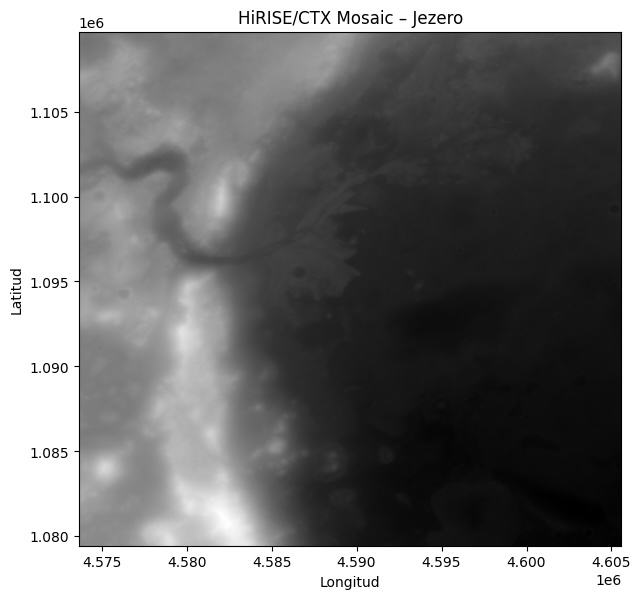
Now we have the base map image in the background, and we can overlay the route. But first, we need to adjust their location systems, as one is in meters and the other in degrees.
3️⃣ Geospatial TL: transforming the rover’s coordinates
LThe main technical challenge is to align the rover’s positions with the raster:
- The raster is in meters, Martian equirectangular projection (ESRI: 103885).
- The rover’s positions are expressed in degrees (lat/long).
To ensure that the trajectory overlaps correctly with the DTM, I transform the coordinates using a spherical model of Mars:
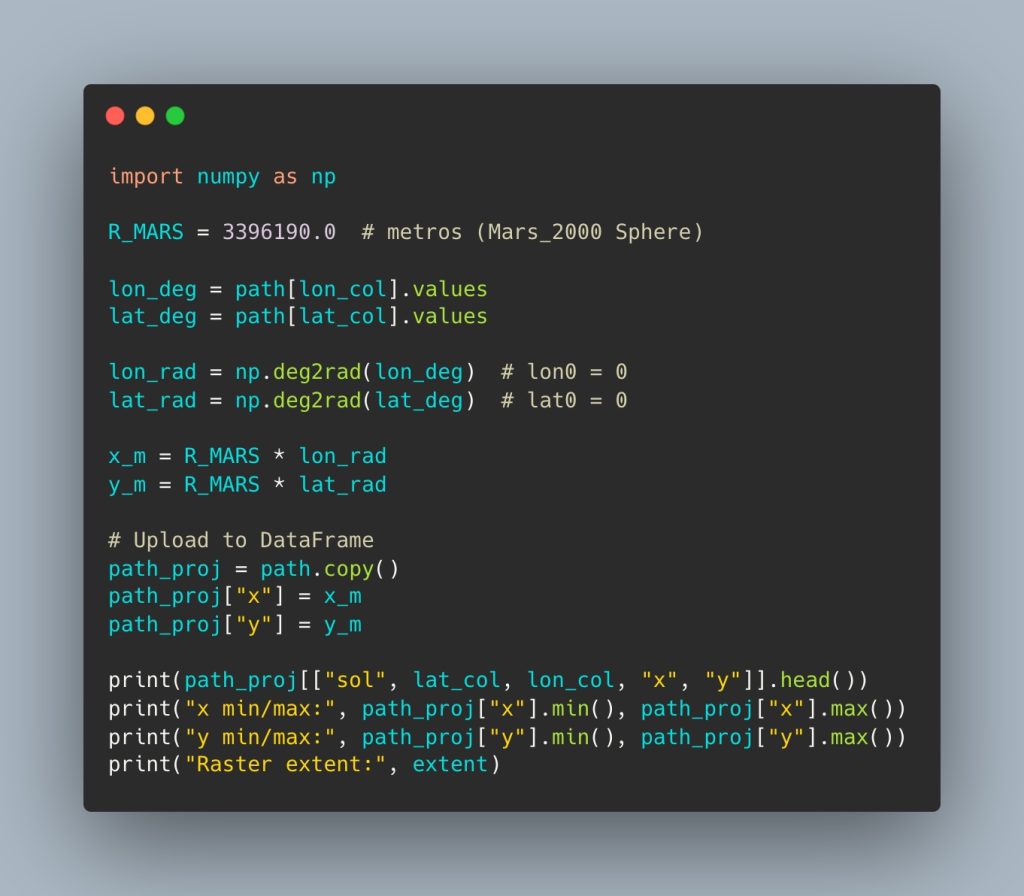
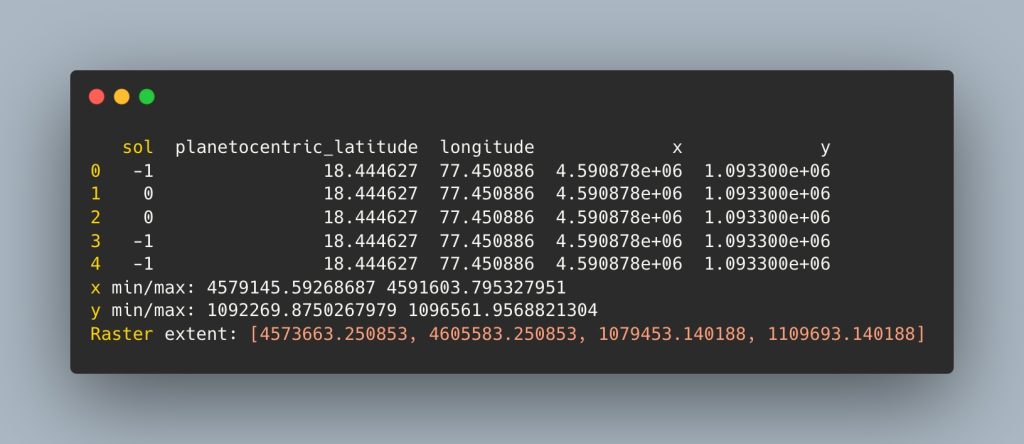
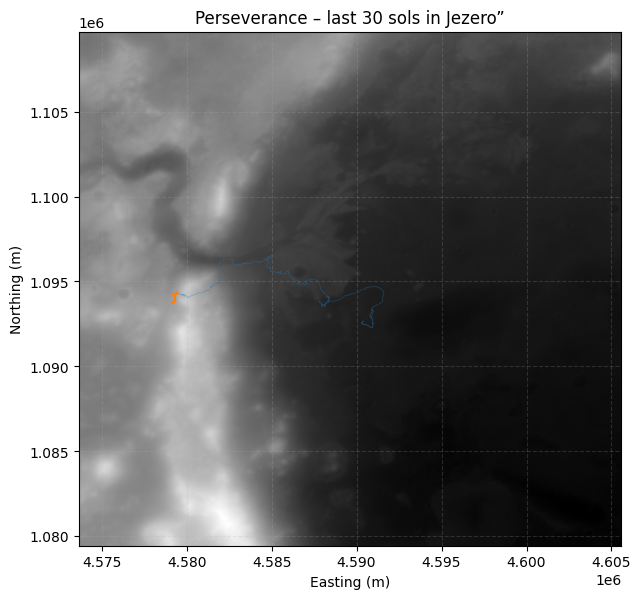
Alignment results:
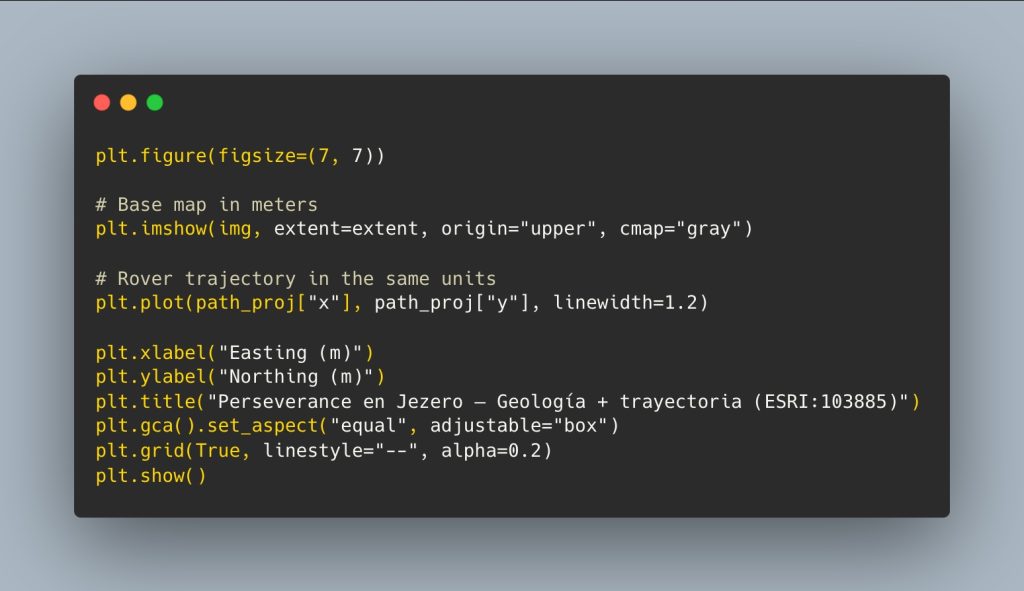
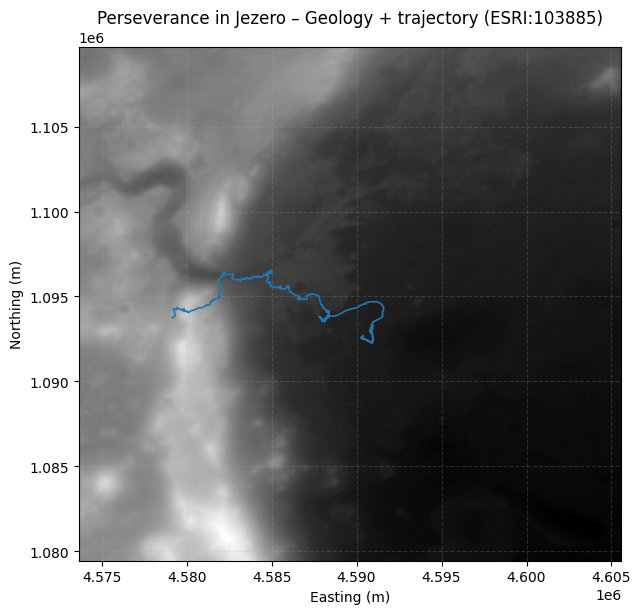
Now we have the base map projection in meters and the rover’s trajectory in the same units:
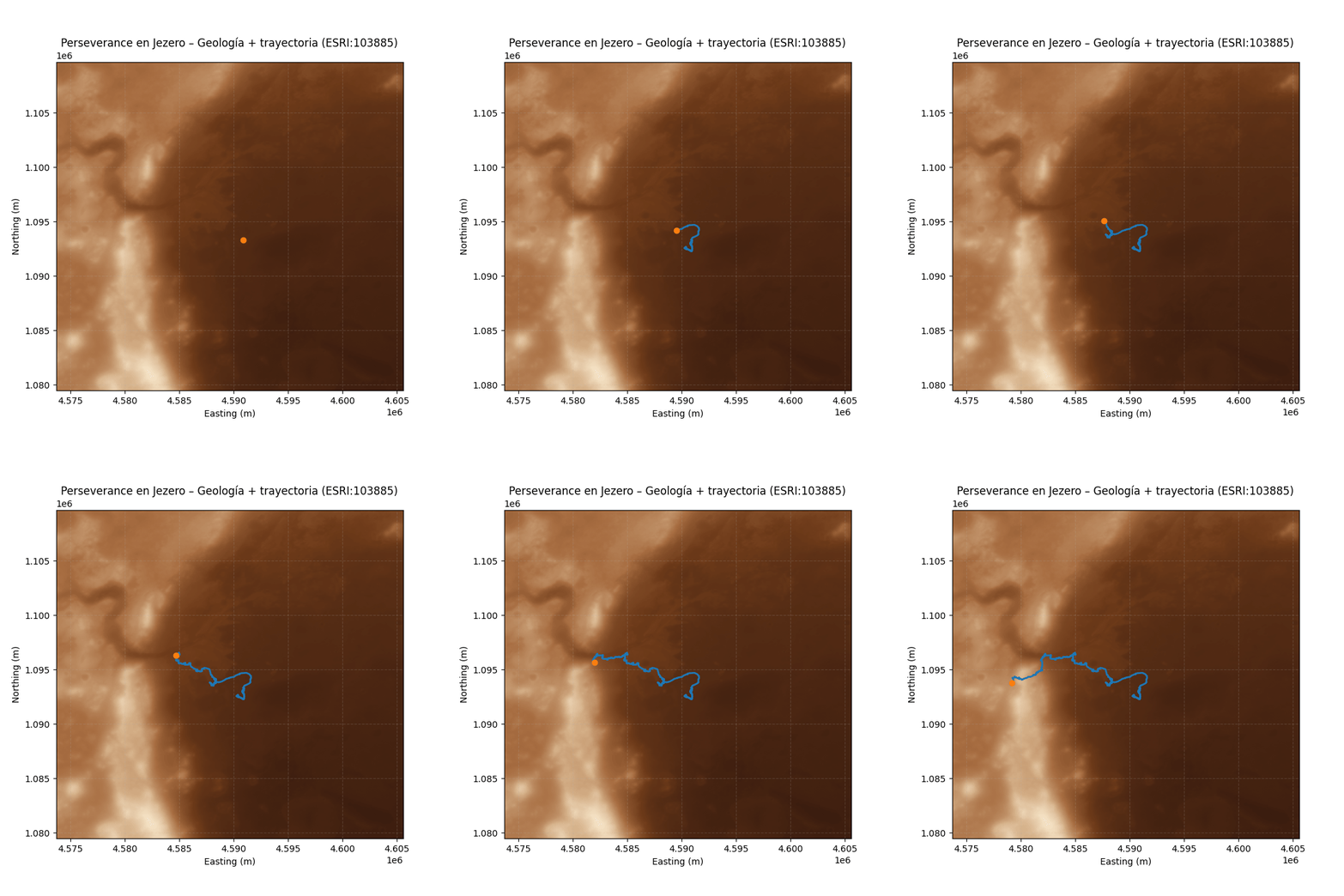
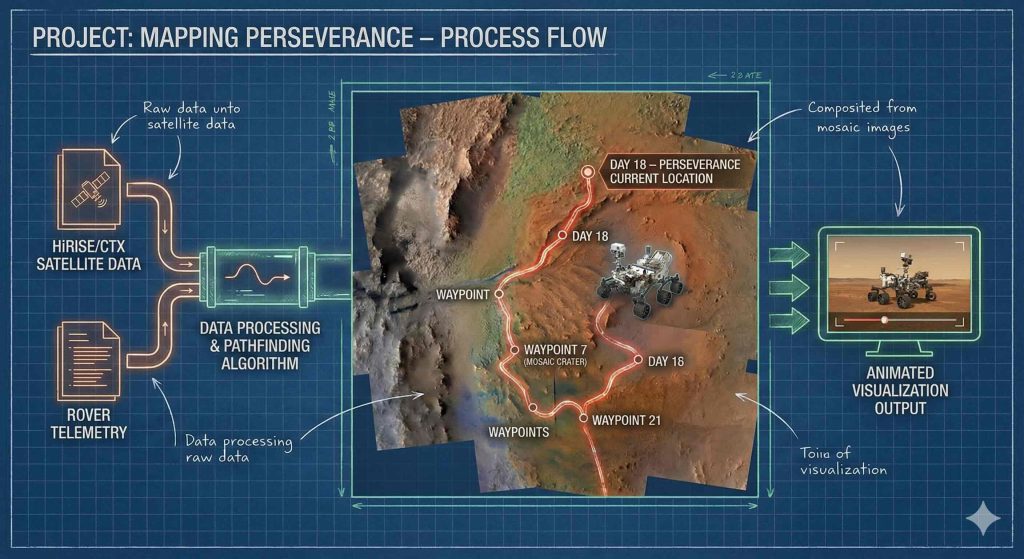
Let’s look at an example showing the last 30 suns traveled by the Rover:
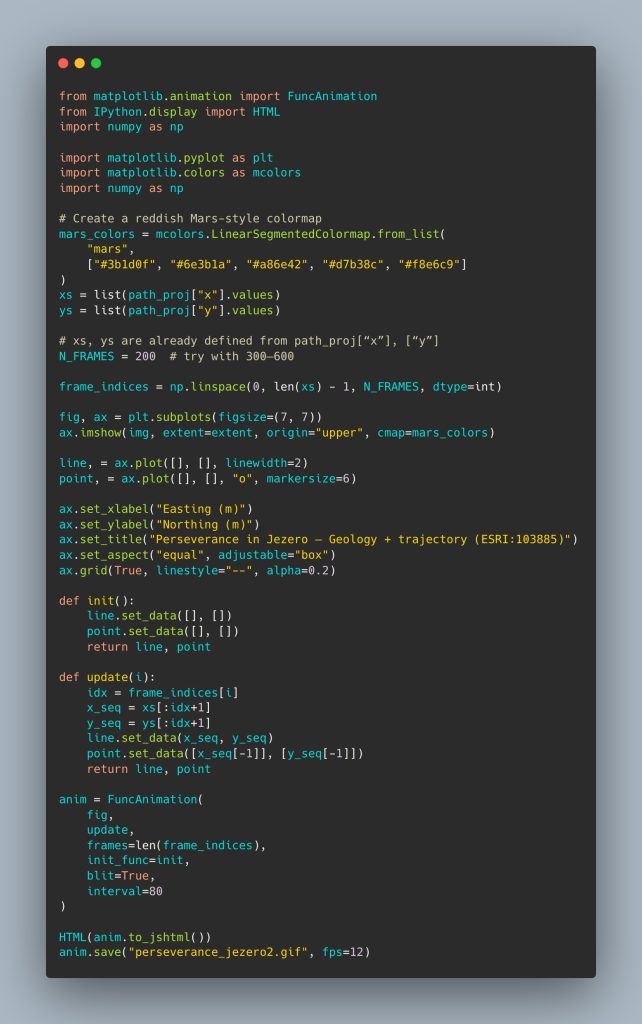
4️⃣ Martian colormap: from gray DTM to a “Mars” palette
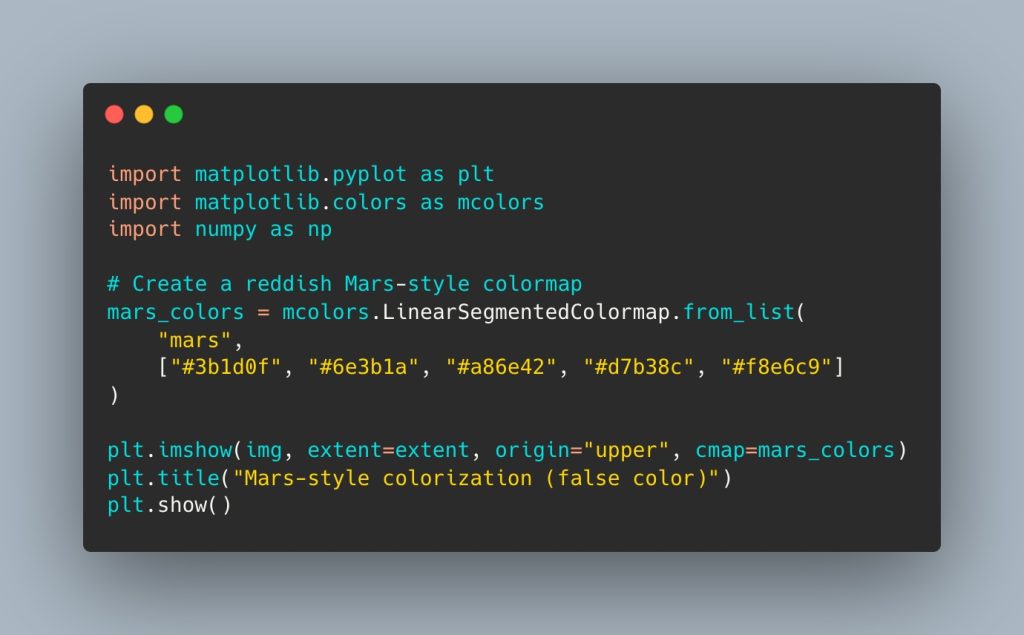
The original DTM is a grayscale raster. Since there is no “real” color in the file (it is an elevation model, not an RGB image), I designed a custom colormap inspired by shades of Mars:
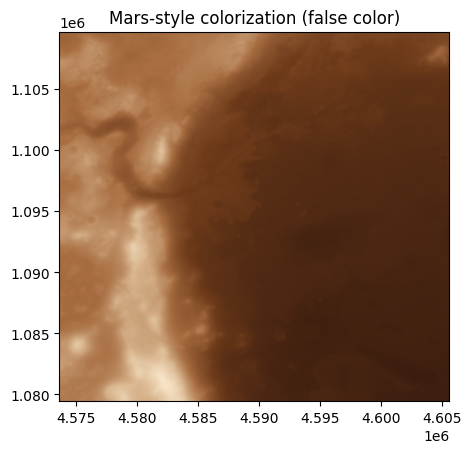
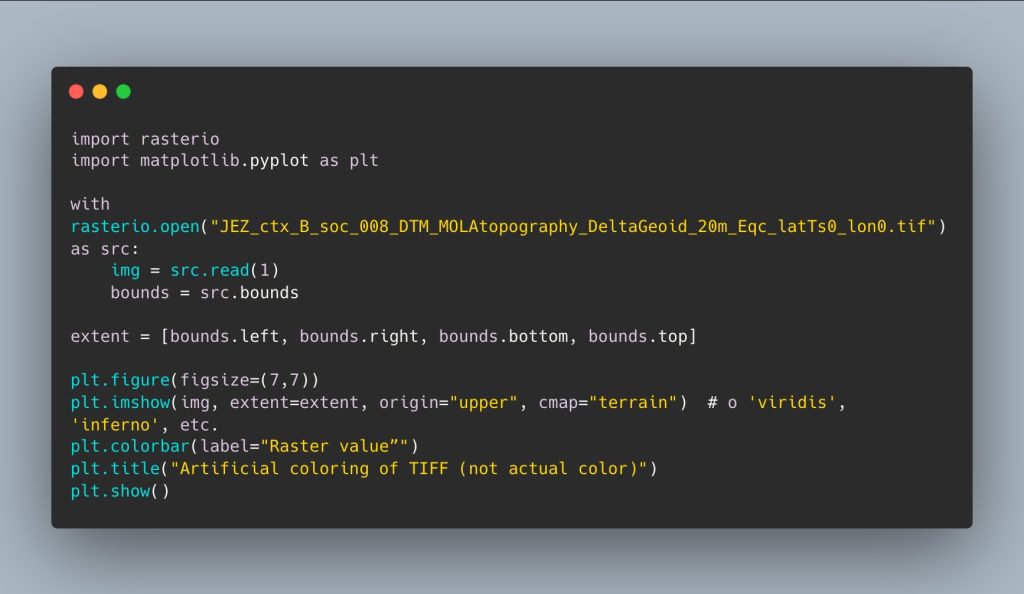
I try to see another variation of the artificial color of the TIF image file, but modifying the raster takes it further away from the actual colors of the red planet. As an exercise in visualizing the elevation map, it is interesting.
5️⃣ Overlaying the rover’s trajectory
Finally, we created the reddish Mars-style colorMap as a base map, adjusted the projection frames to create an animation in GIF format and MP4 video. We can try between 300 and 600 frames, but the rendering is very slow, so I decided to leave it at 200 to start with, and the final animation doesn’t look bad.
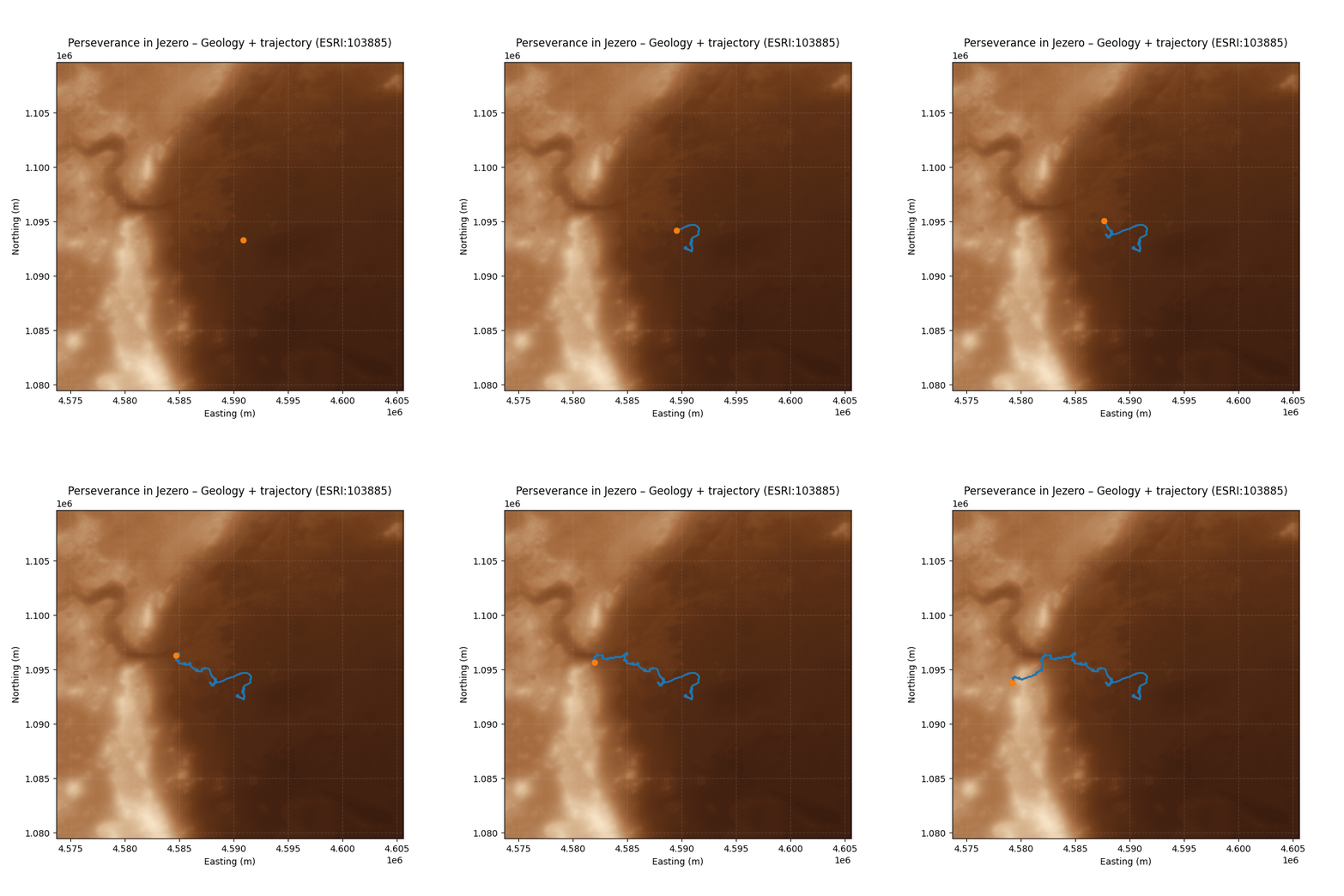
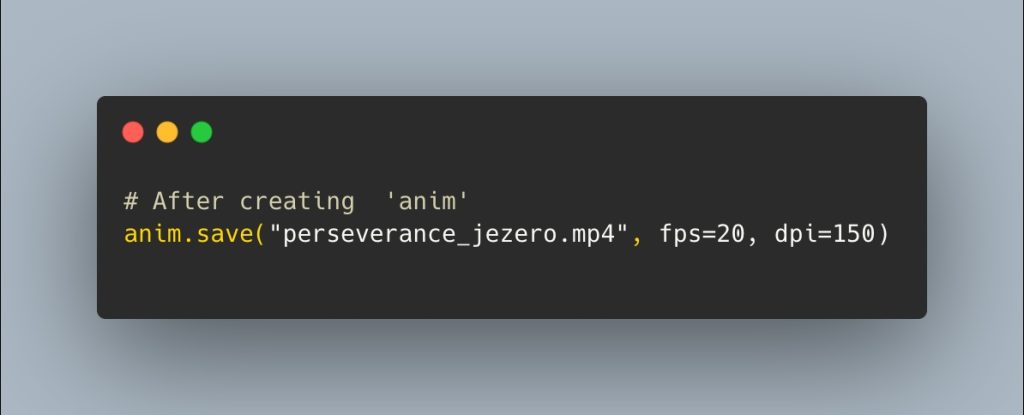
Finally, I export the animation in two formats (GIF and MP4):
8️⃣ Reflection: planetary science + cartography + narrative
This workflow combines:
- Planetary science, by working with real mission data.
- Cartography and reference systems, by respecting the Martian CRS (ESRI:103885) and performing the appropriate projection.
- Data engineering, with a complete ETL from NASA CSV to the construction of a projected dataset.
- Visual narrative, thanks to the custom palette, DTM integration, and temporal animation.
🔴 Exploring Mars, sun to sun, is also a way to explore how far we can go with open data and free tools.
This challenge and project has been my favorite so far.
30DayMapChallenge #Process #Mars #Perseverance #Jezero #DataVisualization #Cartography #GIS #Python #rasterio #Matplotlib #PlanetaryScience #DataStorytelling


